


%20%E2%80%93%20Affordable%20Kontakt%20Banjo%20Library.webp)


%20%E2%80%93%20Best%20Vocal%20Alignment%20Plugin%20for%20Producers.webp)

How to Master a Song Using Only FabFilter Plugins (Step-by-Step Guide)
Learn how to master a song using only FabFilter plugins in this complete step-by-step tutorial. Discover professional mastering techniques using Pro-Q 3, Pro-C 2, Pro-MB, Saturn 2, and Pro-L 2 to achieve clean, loud, and polished results for streaming platforms.


Mastering doesn’t require dozens of plugins. With the FabFilter suite alone, you can create a clean, loud, and professional master.
In this tutorial, you’ll learn exactly how to master a track using only FabFilter plugins—from EQ to final limiting.
🔹 Step 1: Clean Up the Mix with EQ
🎚 Plugin: FabFilter Pro-Q 3

What You’ll Do:
-
Insert Pro-Q 3 on your master channel.
-
Add a high-pass filter at 20–30 Hz to remove unwanted rumble.
-
Identify harsh frequencies (often 2kHz–5kHz) and reduce them gently.
-
Use Dynamic EQ mode to control resonances transparently.
-
Keep boosts subtle (no more than 1–1.5 dB).
👉 The goal is balance, not drastic tone changes.
🔹 Step 2: Glue the Mix with Compression
🎚 Plugin: FabFilter Pro-C 2
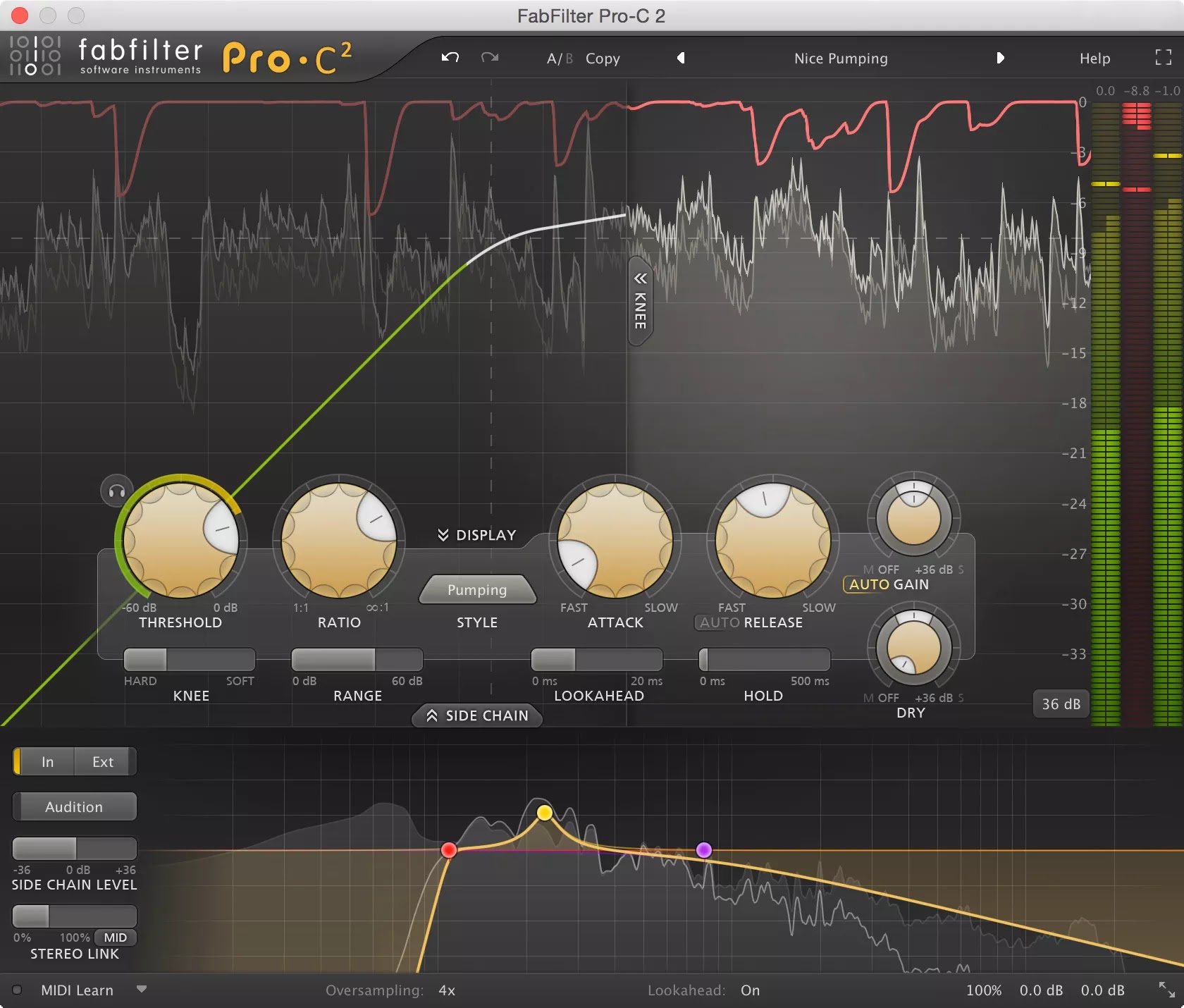
Suggested Settings:
-
Style: Mastering
-
Ratio: 1.5:1 – 2:1
-
Attack: 20–40 ms
-
Release: Auto
-
Gain Reduction: 1–2 dB maximum
Why?
This adds cohesion and smooths dynamics without squashing the track.
👉 If it sounds obviously compressed, reduce the threshold.
🔹 Step 3: Control Specific Frequencies (Optional)
🎚 Plugin: FabFilter Pro-MB

Use This To:
-
Tighten the low end (below 120 Hz)
-
Smooth harsh vocals (2kHz–5kHz)
-
Control overly bright highs
Keep compression gentle and transparent.
👉 This step is polish—not repair.
🔹 Step 4: Add Warmth and Harmonics
🎚 Plugin: FabFilter Saturn 2
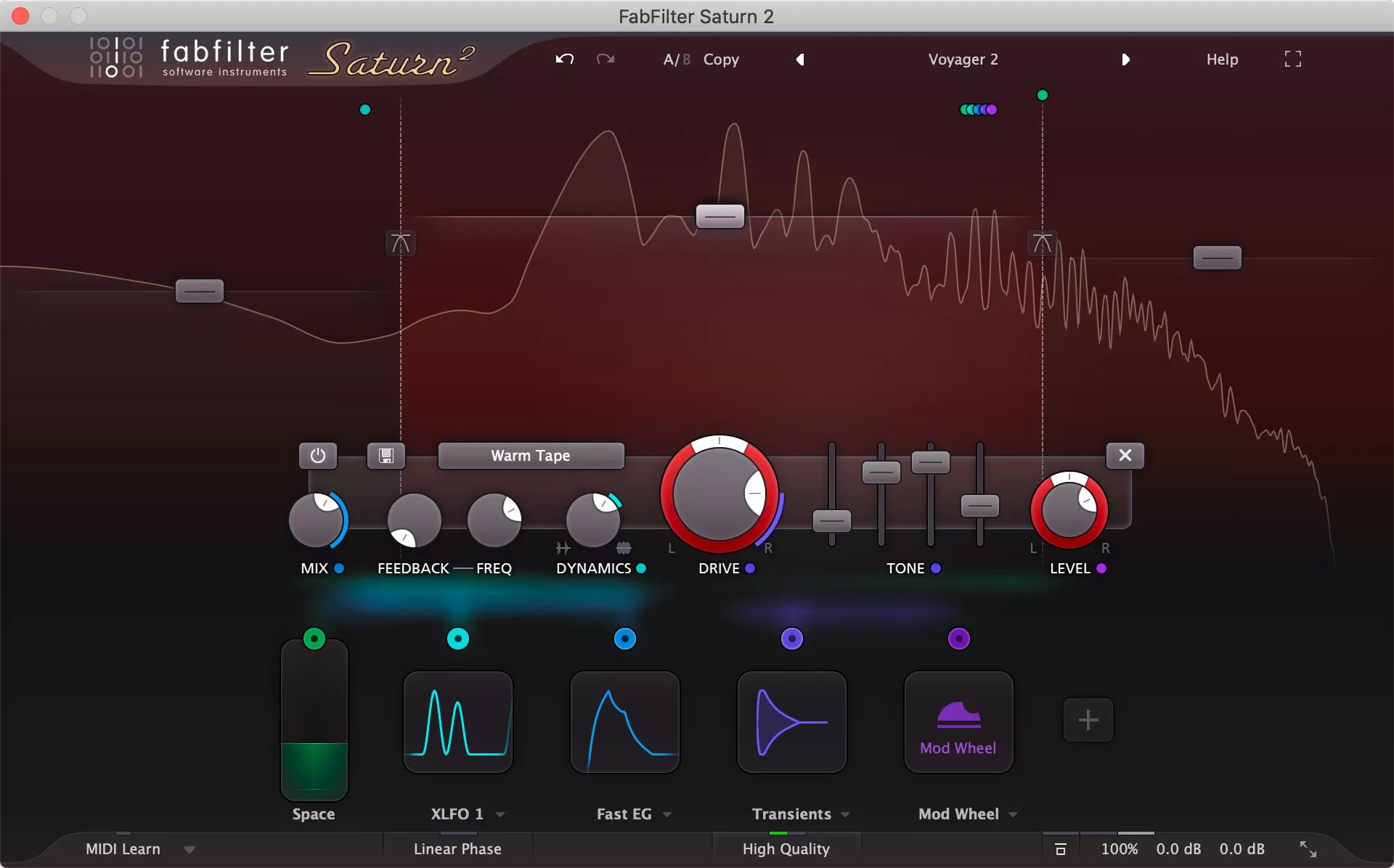
How to Apply:
-
Choose a Tape or Tube style.
-
Keep Drive low (5–15%).
-
Use multiband mode for subtle high-end enhancement.
This adds character without distortion.
👉 You should feel it more than hear it.
🔹 Step 5: Final Loudness with Limiting
🎚 Plugin: FabFilter Pro-L 2

Recommended Settings:
-
Style: Transparent or Modern
-
True Peak Limiting: ON
-
Output Ceiling: -1.0 dB
Target Loudness:
-
Streaming: around -14 LUFS
-
Pop/Rock: -9 to -12 LUFS
-
EDM: -8 to -10 LUFS
👉 Avoid constant heavy gain reduction.
🎧 Final FabFilter Mastering Chain
-
Pro-Q 3 – Cleanup & tonal balance
-
Pro-C 2 – Glue compression
-
Pro-MB – Frequency control (optional)
-
Saturn 2 – Subtle saturation
-
Pro-L 2 – Final limiter
🔥 Pro Mastering Tips
✔ Use reference tracks
✔ Check your mix in mono
✔ Monitor at low volume
✔ Take ear breaks
✔ Export in 24-bit WAV
What's Your Reaction?
 Like
1
Like
1
 Dislike
0
Dislike
0
 Love
0
Love
0
 Funny
0
Funny
0
 Angry
0
Angry
0
 Sad
0
Sad
0
 Wow
0
Wow
0


.webp)


