


%20%E2%80%93%20Classic%20SSL%20Mix%20Bus%20Glue%20Plugin.webp)
%20%E2%80%93%20Is%20This%20All-In-One%20Vocal%20Plugin%20Worth%20It.webp)
%20%E2%80%93%20Affordable%20Kontakt%20Banjo%20Library.webp)



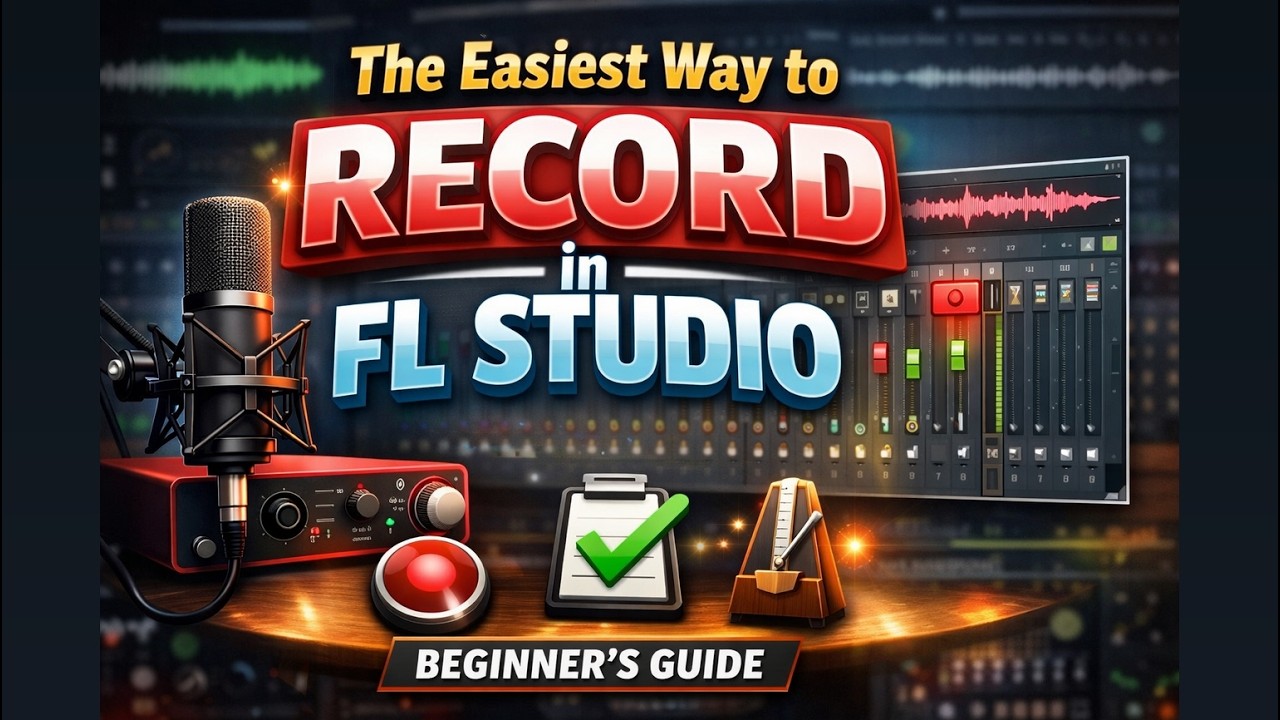
How to Record in FL Studio (Beginner’s Guide) – Easy Step-by-Step Audio Recording Tutorial
Learn how to record vocals and instruments in FL Studio with this beginner-friendly step-by-step guide. Set up your mic, mixer, audio interface, and start recording the easy way.

Recording vocals or instruments inside FL Studio doesn’t have to be complicated. If you’re new to music production, understanding how audio recording works inside a digital audio workstation (DAW) can feel overwhelming. Fortunately, once you understand a few core steps, the process becomes simple and repeatable.
Step 1: Set Up Your Audio Device
Before you hit record, make sure your microphone and audio interface are properly connected. Open FL Studio’s Audio Settings and select your preferred driver (ASIO is recommended for low latency). Choosing the correct input device ensures clean recording without delay or distortion.
Low latency is important because it allows you to hear yourself in real time while recording. If you notice delay, adjusting the buffer size inside the audio settings can significantly improve performance.
Step 2: Assign Your Mixer Input
The Mixer is where recording truly begins. Select an empty Mixer track and choose your microphone or instrument input from the dropdown menu. Once selected, you’ll see signal activity when you speak or play.
Next, arm the track for recording. This tells FL Studio exactly where to capture the incoming audio. You can also enable input monitoring so you can hear yourself clearly through headphones while tracking.
Step 3: Prepare Your Project Folder
Professional workflow starts with organization. Set your project folder before recording so all audio files are saved in the correct location. This prevents missing files later and keeps your sessions clean.
Step 4: Start Recording
Press the record button, choose “Audio into Playlist,” enable the metronome or countdown if needed, and begin performing. Your recording will appear directly in the Playlist as an audio clip, ready for editing or mixing.
Mastering recording in FL Studio is one of the first major steps toward professional music production. With proper setup, mixer routing, and workflow habits, you’ll be able to record vocals, guitars, podcasts, or any instrument with confidence.
What's Your Reaction?
 Like
0
Like
0
 Dislike
0
Dislike
0
 Love
0
Love
0
 Funny
0
Funny
0
 Angry
0
Angry
0
 Sad
0
Sad
0
 Wow
0
Wow
0


.webp)


