


%20%E2%80%93%20Classic%20SSL%20Mix%20Bus%20Glue%20Plugin.webp)
%20%E2%80%93%20Is%20This%20All-In-One%20Vocal%20Plugin%20Worth%20It.webp)
%20%E2%80%93%20Affordable%20Kontakt%20Banjo%20Library.webp)


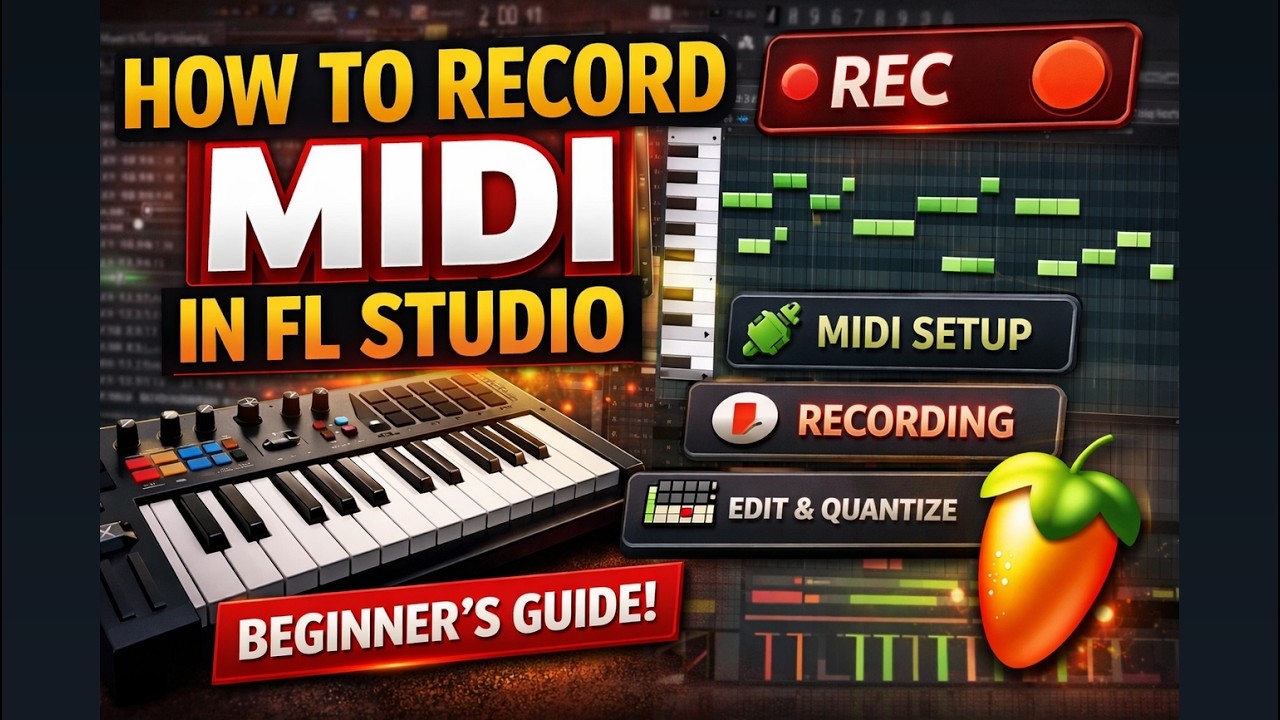
How to Record MIDI in FL Studio (Step-by-Step Beginner Guide)
Learn how to record MIDI in FL Studio with this beginner-friendly step-by-step guide. Discover how to connect your MIDI keyboard, record performances, edit notes in the Piano Roll, and improve timing with quantization.

Recording MIDI in FL Studio is one of the most essential skills for modern music producers. Whether you're creating melodies, drum patterns, or full arrangements, MIDI recording allows you to capture performance data and edit it with complete flexibility.
In this guide, we’ll walk through how to set up your MIDI keyboard, record your performance, and edit your notes like a pro inside FL Studio.
What Is MIDI and Why It Matters
MIDI (Musical Instrument Digital Interface) does not record audio. Instead, it captures information such as which notes you play, how long you hold them, and how hard you press the keys (velocity). This makes MIDI extremely powerful because you can modify the performance after recording without re-recording audio.
For producers, this means:
-
Easy note editing
-
Tempo adjustments without quality loss
-
Quick sound changes using different virtual instruments
-
Precise timing corrections
Step 1: Connect and Enable Your MIDI Keyboard
Before recording, connect your MIDI controller via USB. Open FL Studio and go to:
Options → MIDI Settings
Enable your MIDI device under the Input section. Once activated, your keyboard should trigger sounds from selected virtual instruments in the Channel Rack.
Step 2: Choose a Virtual Instrument
Select a plugin (such as a piano, synth, or sampler) from the Channel Rack. This will be the instrument receiving your MIDI input.
Make sure recording is enabled by clicking the Record button in the transport panel.
Step 3: Record Your MIDI Performance
Press record and start playing. FL Studio will capture your performance and place it into the Playlist as a MIDI pattern.
After recording, open the Piano Roll to view your notes visually.
Step 4: Edit and Improve Your MIDI
The Piano Roll allows you to:
-
Move notes
-
Adjust note length
-
Change velocity
-
Quantize timing
-
Add or remove notes
Quantization helps tighten up timing, while velocity editing adds dynamic expression.
Final Thoughts
Mastering MIDI recording in FL Studio gives you full creative control over your music production workflow. Once you understand how to record and edit MIDI properly, you can build complex compositions, layer instruments, and refine performances with precision.
Whether you're a beginner producer or looking to improve your workflow, learning MIDI recording is a foundational skill that unlocks the full power of FL Studio.
What's Your Reaction?
 Like
0
Like
0
 Dislike
0
Dislike
0
 Love
0
Love
0
 Funny
0
Funny
0
 Angry
0
Angry
0
 Sad
0
Sad
0
 Wow
0
Wow
0







.webp)


